

If we decide to build a website ourselves, we should start by getting familiar with the available builder options. There are many interesting solutions on the market, especially when it comes to WordPress. So which page builder should you choose? Among the popular ones, we can safely mention: Elementor, Beaver Builder, Divi and Thrive Builder – for WP. However, great interest (perhaps even the greatest) is enjoyed by WIX, which is a completely separate platform.
There is a mistaken belief that websites have to be coded from scratch, that you need a programmer for it and many thousands. Nothing could be further from the truth. In response to considerable demand, many great and intuitive website builders have appeared. In this article I will compare costs, advantages and disadvantages in terms of design, functionality and SEO requirements.
- What to pay attention to before buying a page builder?
- Comparison of WIX and WordPress
- WordPress page builders – DIVI, Elementor, Beaver, Thrive
What to pay attention to before buying a page builder?
Before you decide to buy a page builder, it is worth finding out more about what you really need. The whole process starts with choosing a domain and hosting. In the case of a domain everything depends on your creativity. However, it is worth using standard endings such as .pl or .com, depending on the language in which we want to rank the website. When it comes to hosting things are slightly more complicated. First of all, you need to think about the scale of your project and choose the appropriate capacity. Most important, however, are the builder’s hosting requirements, and the provider should be chosen on that basis.
Before buying a builder, it is worth taking advantage of a free trial period and finding out for yourself how a given builder works. To make your choice easier, I decided to gather a few of the most important aspects worth paying attention to. In this article I will compare 5 website builders (4 WordPress ones and WIX) in terms of:
- Price
- Ease of creation
- Template availability
- Support
- Additional features
- SEO

Which page builder to choose, WIX or WordPress?
Let’s start by comparing WIX and WordPress, because they are the ones that rule the world of web design. Wix has gained popularity in recent years and can boast over 125 million customers in almost 200 different countries around the world. Meanwhile, WordPress, with its dedicated builders such as DIVI, Thrive Architect or Elementor, currently powers one third of all websites.
Both WIX and WP are a good choice when it comes to building websites, but they differ greatly. Wix is a tool intended purely for laypeople so it is really easy to use – however, I think it is the best solution when we want to run a small blog about butterflies. Meanwhile, WordPress is a powerful open-source content management system (CMS), which offers greater scalability, but also requires a bit more technical knowledge. It should be mentioned that when using one of the WordPress builders, things are much simpler. Elementor or Divi are just as easy to use as WIX, but they have a completely different technical backend that gives a lot of room to manoeuvre.
Wix and WordPress – advantages and disadvantages`
Advantages of WIX:
- Easy to use. It is aimed at non-technical users.
- WIX has quite good support in case of any failure.
- Includes built-in e-commerce features.
Disadvantages of WIX:
- More complex features are unavailable or limited.
- Limited scope of operation, at the expense of ease of use.
- Fewer templates than in the case of WordPress.
Advantages of WordPress:
- Offers wide functionality and many plugins.
- Wide choice of builders and templates.
- Extensive blogging features.
- Exceptionally good support for WP builders and a lot of information on forums.
- Better SEO features.
Disadvantages of WordPress:
- May require coding, but offers broad functional possibilities.
- Creating a store requires configuring the WooCommerce plugin.
WordPress builders and templates
Thanks to its popularity, WordPress has gained many fantastic page builders. DIVI, Elementor, Beaver or Thrive Architect give WordPress real-time design features using drag-and-drop, which greatly simplifies designing. WordPress has a huge number of free and paid templates that can be implemented easily and quickly. There is plenty to choose from, and therefore there is a greater chance that we will not see an identical website at a competitor’s.
WIX templates
Wix has over 500 professionally designed templates, divided into categories by industry. Each template has built-in features suited to the industry in which it is categorised. For people who do not want to deal with arranging page elements, Wix ADI was created. It is a tool that will create a site based on a few questions about the purpose and preferences of the site.
WordPress plugins vs WIX
WordPress has many fantastic plugins that make the site easier to run. It is worth remembering that it is an open-source platform, which means that anyone who can code can create plugins. This is both an advantage and a disadvantage. We can implement practically any feature thanks to a well-chosen plugin. However, WordPress updates can cause conflicts with old, unadapted plugins – and this can lead to attacks on the site.
Wix is not an open-source platform. This means that only the WIX team of developers can create tools for the site. For this reason their tools are less exposed to problems, but they significantly limit the possibilities.
SEO – WordPress or WIX?
Before we delve into which platform is better in this area, I will explain what SEO actually is.
Search Engine Optimization (SEO) is the process of making changes on and off a site in order to increase its position in organic (free) search results. There are many things that need to be implemented for a site to be visible in Google or Bing. Unfortunately, they have their own algorithms, which are constantly evolving, which is why it is so important to continuously look after the site and implement current guidelines.
The most important factor of a site affecting SEO is its structure and appropriate technical and content optimisation.
WordPress SEO
The WordPress builders Divi and Elementor achieve wonderful results when it comes to optimisation and site speed. In fact, if we use ready-made templates, they are most often very well prepared for SEO. As I already mentioned, WordPress has a huge number of plugins that can help prepare the site.
Yoast is the most popular SEO plugin for WordPress, used by over 5 million websites. It is free, with the option of buying the Premium version (usually there is no need for it).
Wix Site Booster
Sites on WIX perform variously when it comes to optimisation and site speed, but certainly worse than sites built in Divi or WordPress Elementor. It is hard to optimise a site without the right knowledge, and information on the internet is unfortunately limited.
Site Booster is a free tool for Wix users, unfortunately only in the Unlimited version and higher packages. Site Booster has several useful SEO features such as targeting subpages to keywords or performance measurement.
As for the simplest sites and blogs, both fulfil their function when it comes to preparing the site for SEO. Wix wins only in that it has automatic updates. However, if we care about SEO results, I definitely recommend one of the WordPress themes.
WordPress support
WordPress is amazing when it comes to the amount of available knowledge and instructions for solved problems. Each builder also has its own dedicated forum where you can find a lot of information. When it comes to support, Divi and Elementor are truly wonderful. With a little knowledge of English you can get ready-made solutions via live chat. It has never happened to me that they did not respond or did not help. One option is also to hire a web designer or a WordPress developer. You can also do this for little money on a platform such as Fiverr.
Wix help
Wix has a dedicated support team that helps users solve problems. However, they do not cope with all problems. From Clients’ stories I know that there were problems with getting in touch or implementing SEO changes in online stores. WIX has also created many articles and videos that can help in designing the site. Wix also offers help by email or phone.
Costs of WIX and WordPress
An important issue when choosing a tool for building a site is, of course, money. Costs can differ significantly not only depending on the chosen builder, but also depending on the features the site is to have.
Wix offers seven different packages. They differ, of course, in features (site booster, ad voucher, logo design), server space and price.
Four “For You” packages:
- VIP 80 zł /month
- Unlimited 45 zł /month
- Combo 30 zł /month
- Connect Domain 17 zł /month
and three “For Business” packages:
- Business VIP 120 zł /month
- Business Unlimited 80 zł /month
- Business Basic 60 zł /month
In the case of WordPress you have to arrange hosting yourself; rates may differ depending on the provider. It is worth finding out more before making a decision.
Another thing is buying a WordPress builder. Both Divi and Elementor can be tried for free. Depending on how many sites we want to use the builder for, we should consider a monthly licence, an annual one or a lifetime package as in the case of Divi. The most cost-effective option for people who plan to develop several projects is Divi lifetime.
Which WordPress page builder to choose?
We are leaving the topic of WIX and will focus on WordPress builders, which I am a supporter of because of design flexibility and broad prospects for developing the site.

Divi
It may have fewer useful modules than Elementor, but it is extremely easy to use. In addition, Divi has wonderful support – they solve problems without involving the site owner.
DIVI
Advantages of Divi:
- Real-time builder (front-end)
- Hundreds of stylish and versatile templates
- Flexible editing
- Global elements
- Over 40 ready-to-use elements
- Good optimisation results
- One-time lifetime licence
- Wonderful support
Disadvantages of Divi:
- No Builder for Popups
- A lot of unnecessary built-in features
Ease of use
Divi is really simple to use and very intuitive, but it also has quite a few unnecessary features that cause confusion.
Price
Annual access costs $89, in the case of a lifetime (one-time) licence $249
Support
It has great support and many instructional posts and videos.

Elementor
Elementor is a wonderful solution for people who want to quickly put up a few simple sites. Global customisation makes changes on the site easier. A very intuitive and simple builder.
Elementor
Advantages of Elementor:
- Real-time builder,
- Website personalisation features
- Wide availability of templates and themes
- Extensive mobile customisation
- Wonderful Popup builder
- Custom headers / footers
Disadvantages of Elementor:
- Smaller choice of templates than DIVI,
- Difficulty getting support,
- Frequent plugin conflicts
Ease of use
One of the easier-to-use page builders. This theme has great navigation and everything happens extremely intuitively.
Price
The cost ranges between $0-199 depending on the chosen package. For that price Elementor offers more useful options than Divi. It does not have a lifetime licence.
Support
The support department could work better, but there are many posts and videos that solve most common problems.
Thrive Architect
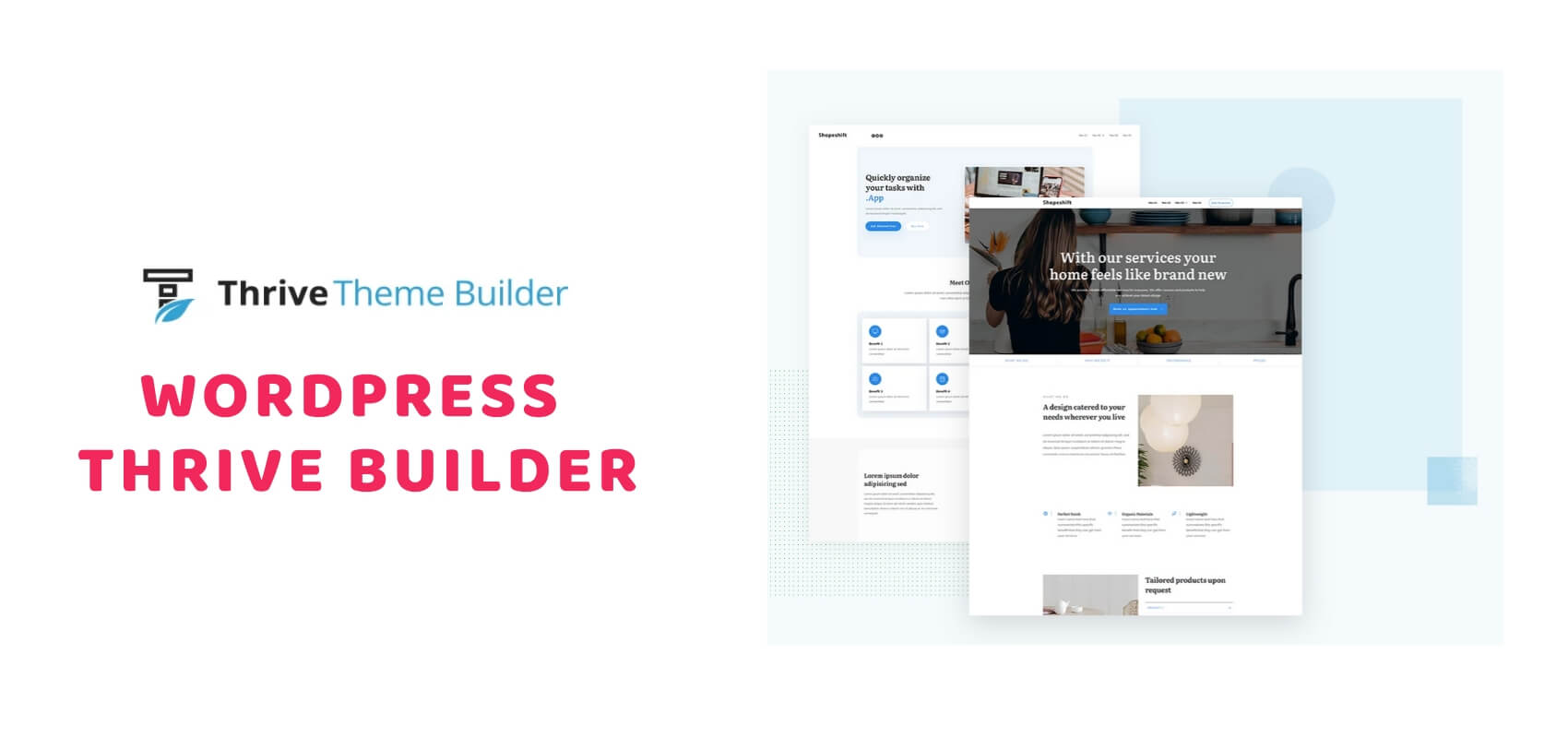
Thrive Architect is a WordPress site-building tool from Thrive Themes. It is a next-generation tool. Ideal for any type of website. It has strong marketing features – sales funnels and much more.
Advantages of Thrive Architect:
- Over 100 page templates
- Pre-designed section templates
- Global customisation
- Popup builder
- Advanced marketing features
- Continuous updates and improvements
- Works with any theme
Disadvantages of Thrive Architect:
- Lacks builder features (as in Divi and Elementor)
- Complex interface
- No plugins
- Average support and help
Ease of use
Personally, I think Thrive Architect is complicated. A beginner may be put off by its interface and the number of features. However, they have quite a lot of templates and ready-made sections that considerably streamline design.
Price
The price is $67 for one site, lifetime. It is a very decent option for people planning specific marketing activities.
Support
Support is Thrive’s weak point. Unfortunately, when creating more advanced projects, minor problems may appear that can take weeks to resolve.

Beaver Builder
Beaver Builder is another tool for building sites on WordPress. It enjoys considerable popularity among web designers because of its design flexibility and good code structure.
Advantages of Beaver Builder:
- Fast and intuitive real-time builder,
- Rich library of templates and ready-made modules,
- Wonderful support
- A good option for agencies – can be used on an unlimited number of sites
- Global templates
Disadvantages of Beaver Builder:
- Few dedicated solutions – plugins
- No dedicated builder for forms and a pricing module,
- Greater design limitations than in Divi or Elementor
Ease of use
Extremely easy to use, wonderfully suited to beginner users.
Price
As for the price, a big plus is that in the lowest package the builder can be used on many sites. However, there are cheaper solutions.
Support
When it comes to solving problems, they are reliable. As with Divi, information is publicly available, and answers are quick and specific.
For simple sites or business card websites, WIX is a decent option. However, I am wholeheartedly with Divi and Elementor. I bet on flexibility, functionality and SEO matters. The greatest advantage of DIVI is the unlimited, lifetime licence and great support. The decision is yours.